

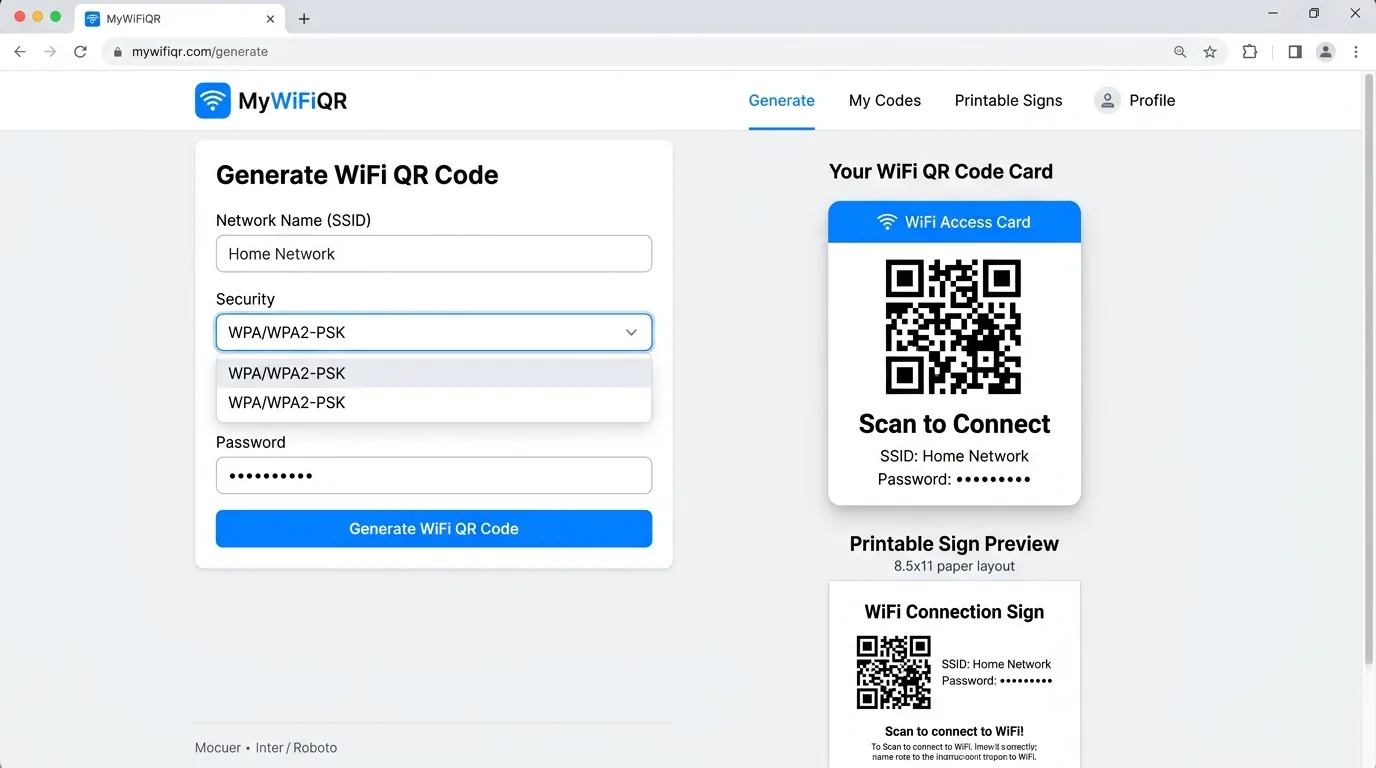
The 4 Pillars of a High-Quality WiFi QR Code Tool
Hundreds of tools claim to generate WiFi QR codes, but their quality and privacy standards vary dramatically. When evaluating options, prioritize these four criteria:
Your Wi-Fi password should never leave your machine. A superior generator runs entirely in client-side JavaScript, leaving no trail on remote servers or third-party analytics trackers.
You should never have to submit an email address, create an account, or verify a phone number just to generate a standard barcode. The best utilities are instant and accessible.
Codes must adhere strictly to the ZXing protocol to ensure instant recognition across iPhone (iOS 11+), iPad, Android 10+, and Windows without requiring third-party scanning apps.
Blurry low-res exports fail to scan when printed. The best tools provide scalable vector SVG files, crisp high-DPI PNGs, and pre-formatted printable table tents and signs.
Static vs. Dynamic QR Codes for WiFi
Many commercial QR platforms promote "Dynamic QR codes." While dynamic codes have advantages for marketing campaigns, they are the wrong choice for WiFi:
| Feature | Static (WiFiQR Tool) | Commercial Dynamic |
|---|---|---|
| Native OS Connection | Direct one-tap handshake | Redirects through web browser |
| Expiration | Never expires | Expires after free trial or fee lapse |
| Data Privacy | 100% client-side sandbox | Stored on commercial servers |
| Cost | Completely free forever | $5 – $35 / month subscription |
Frequently Asked Questions
What is the best WiFi QR code generator?
The best WiFi QR code generator is one that processes network credentials 100% client-side in your web browser, requires no account signup or email registration, supports standard WPA/WPA2/WPA3 protocols, and provides high-resolution vector exports (SVG) and printable sign templates. WiFiQR Tool was specifically engineered around these privacy and usability benchmarks.
Should I use a free or paid WiFi QR code generator?
You should use a free, static generator. WiFi credentials require only static QR code encoding via the open ZXing protocol. Paid 'dynamic' generators often place your Wi-Fi credentials behind redirect links, collect recurring monthly fees, or deactivate your codes after a trial period.
Why does client-side generation matter for WiFi QR codes?
Client-side generation means the JavaScript code runs solely in your local browser sandbox without transmitting your Wi-Fi password across the internet. This prevents third-party data breaches, remote credential harvesting, and tracking.
Try WiFiQR Tool Free
Experience the privacy-focused standard for WiFi QR codes. Fast, client-side, and no signup needed.